NewMoonEmail me at launch

Lock out what pulls you back.

NewMoon helps you quit by locking the apps and sites you keep going back to.

For social media, gambling, gaming, shopping, vaping, alcohol or porn.

One email when it’s out on iPhone and Android. What we store

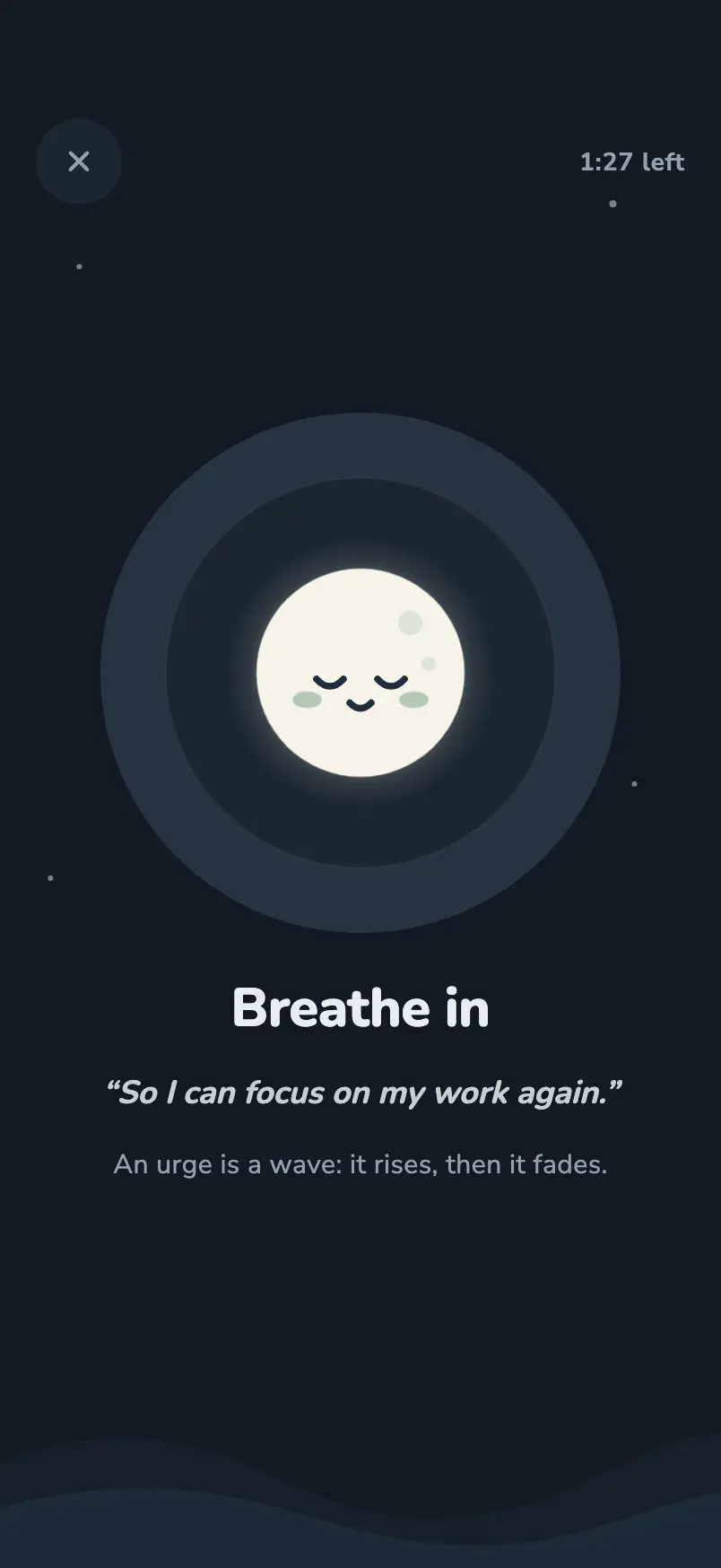
The Help screen: Breathe in, with the person’s own reason quoted below.
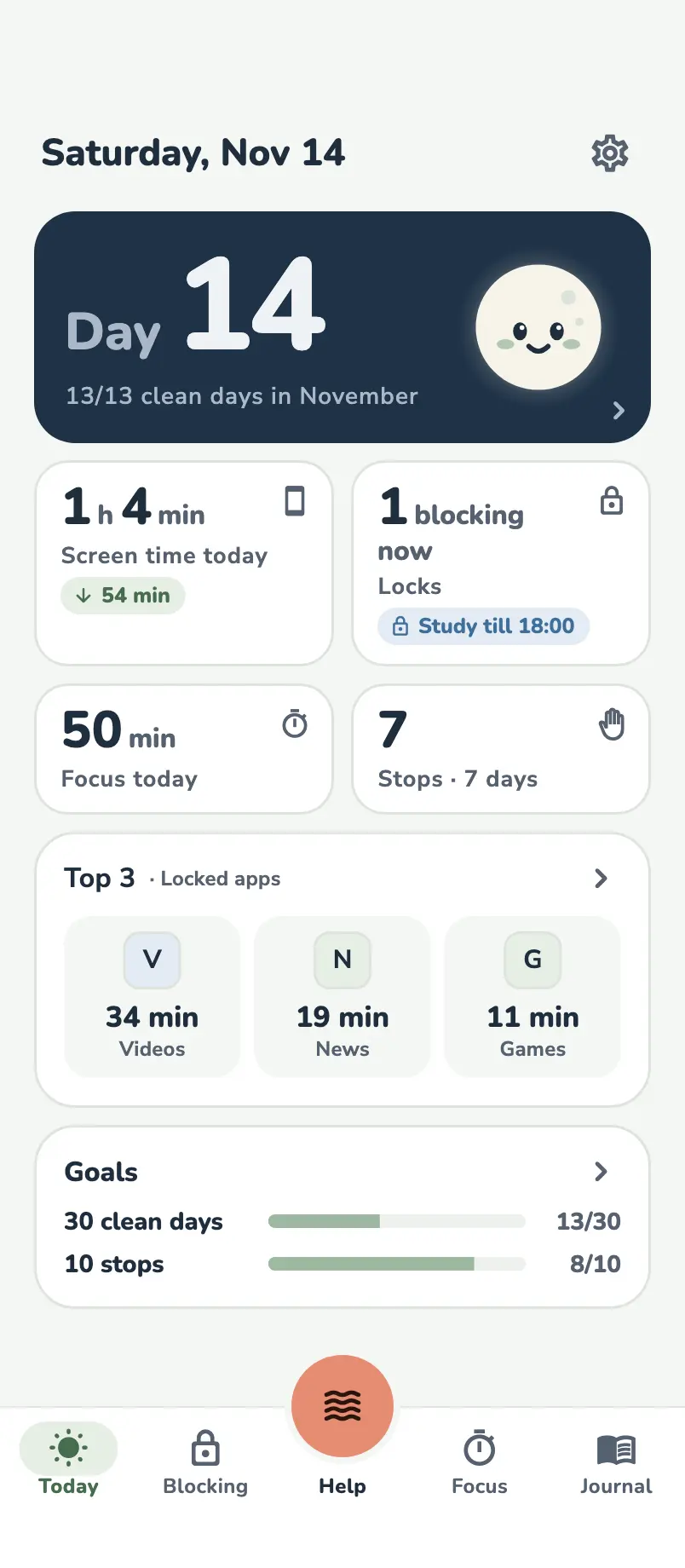
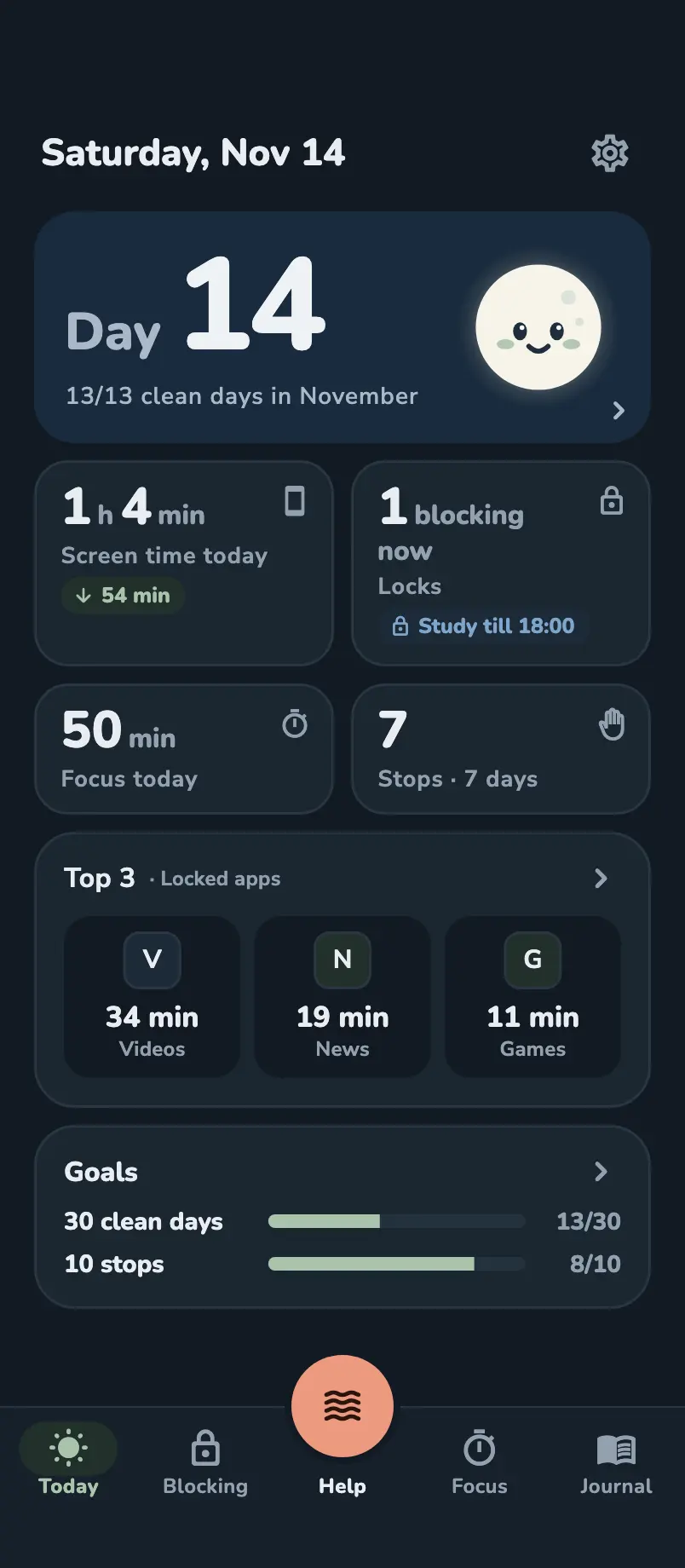
The app’s Today page: Day 14, 13/13 clean days in November, then today’s screen time, locks, focus, the top three locked apps and goals.The app’s Today page: Day 14, 13/13 clean days in November, then today’s screen time, locks, focus, the top three locked apps and goals.
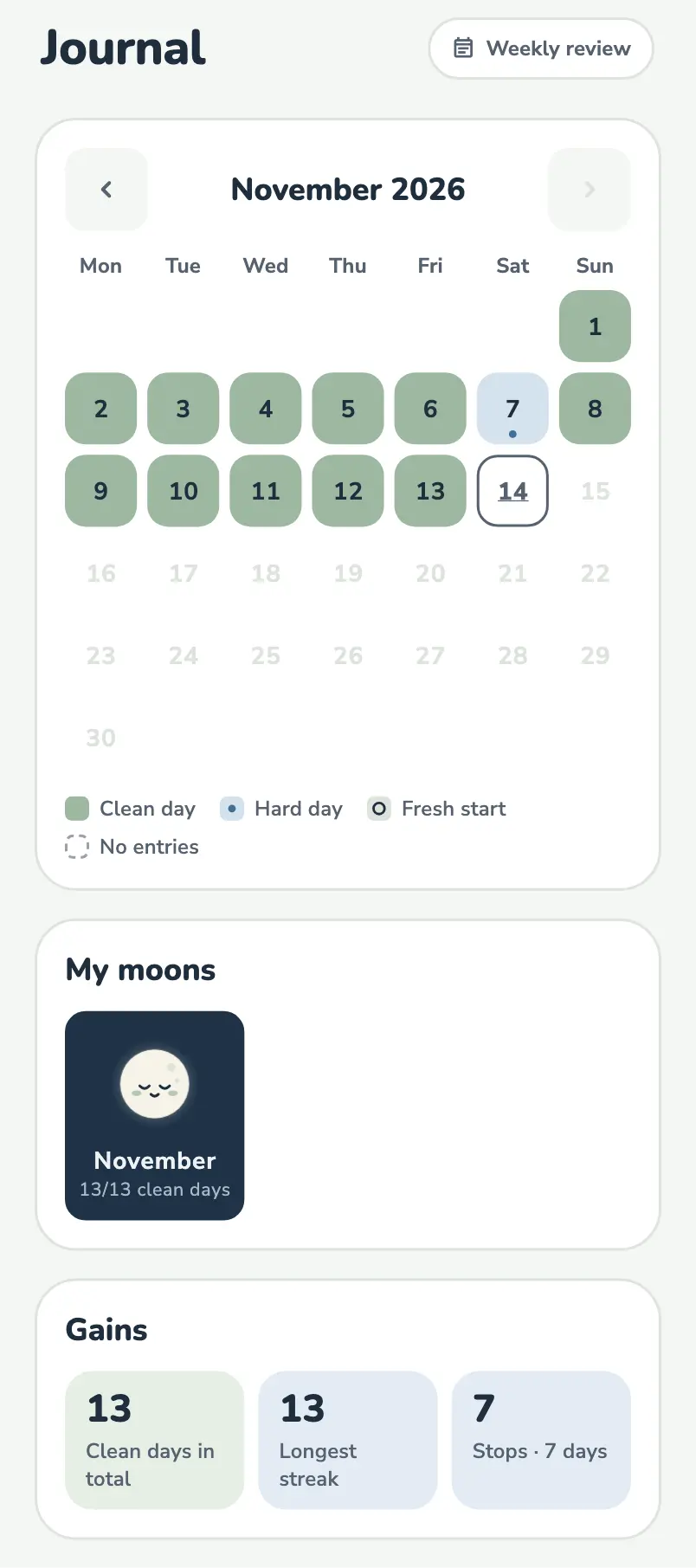
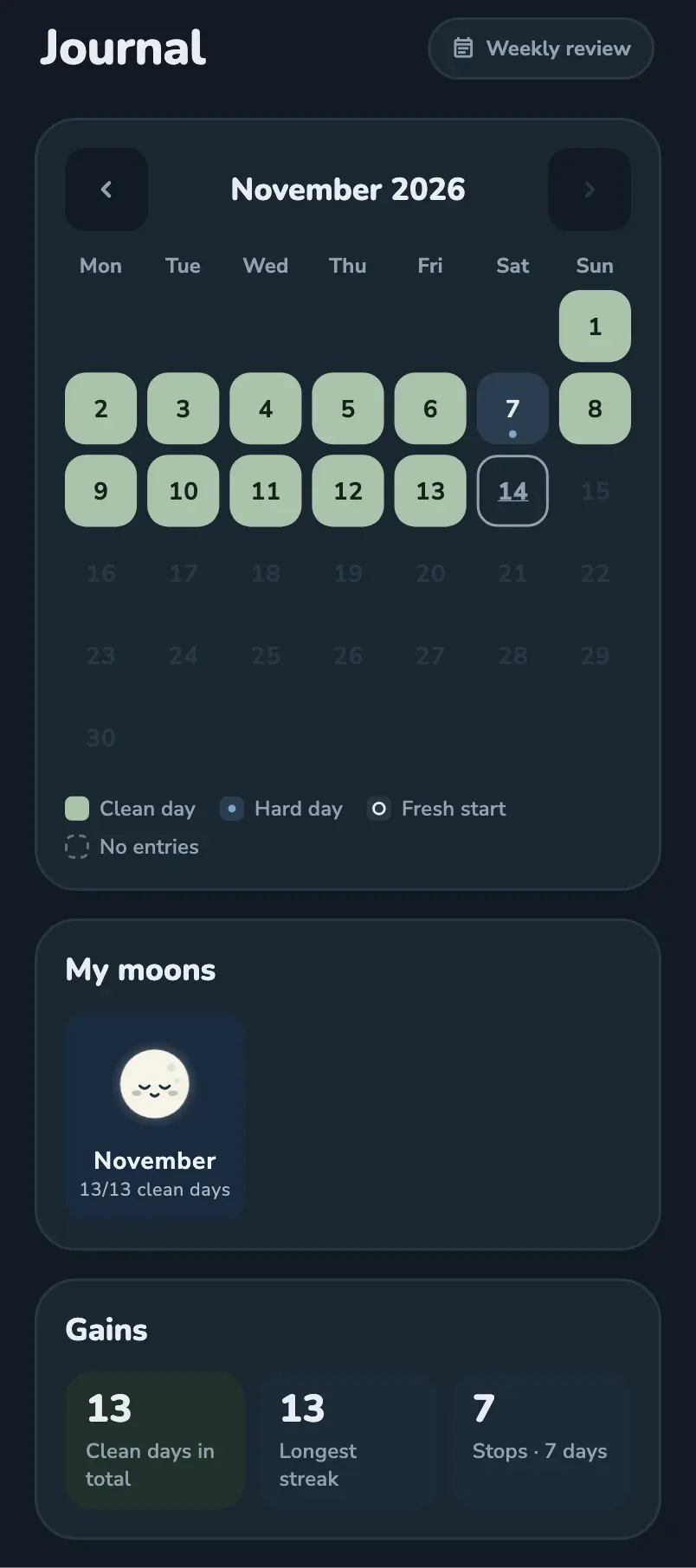
The app’s Journal: November’s calendar with the clean days in green, and the month’s moon below.The app’s Journal: November’s calendar with the clean days in green, and the month’s moon below.

It locks, asks, counts and helps

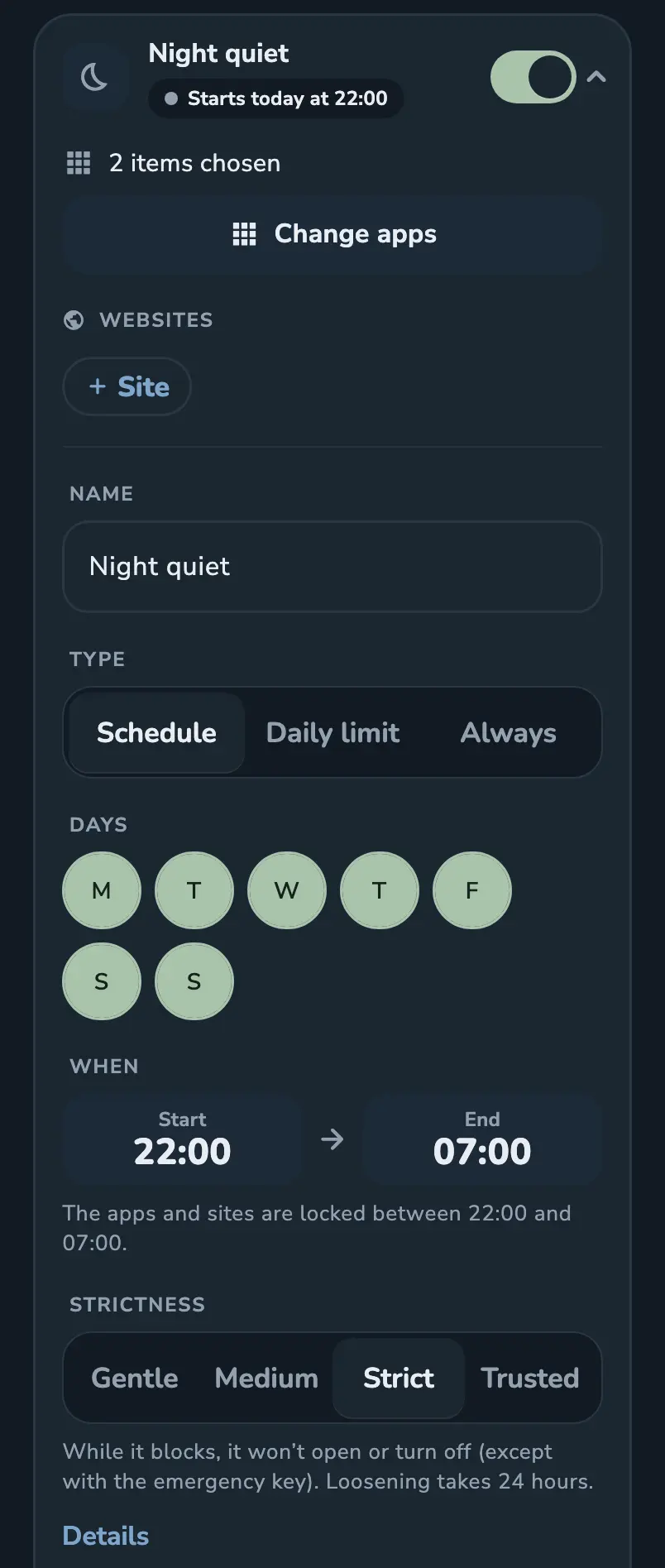
Four lock levels, from a gentle question to a trusted lock

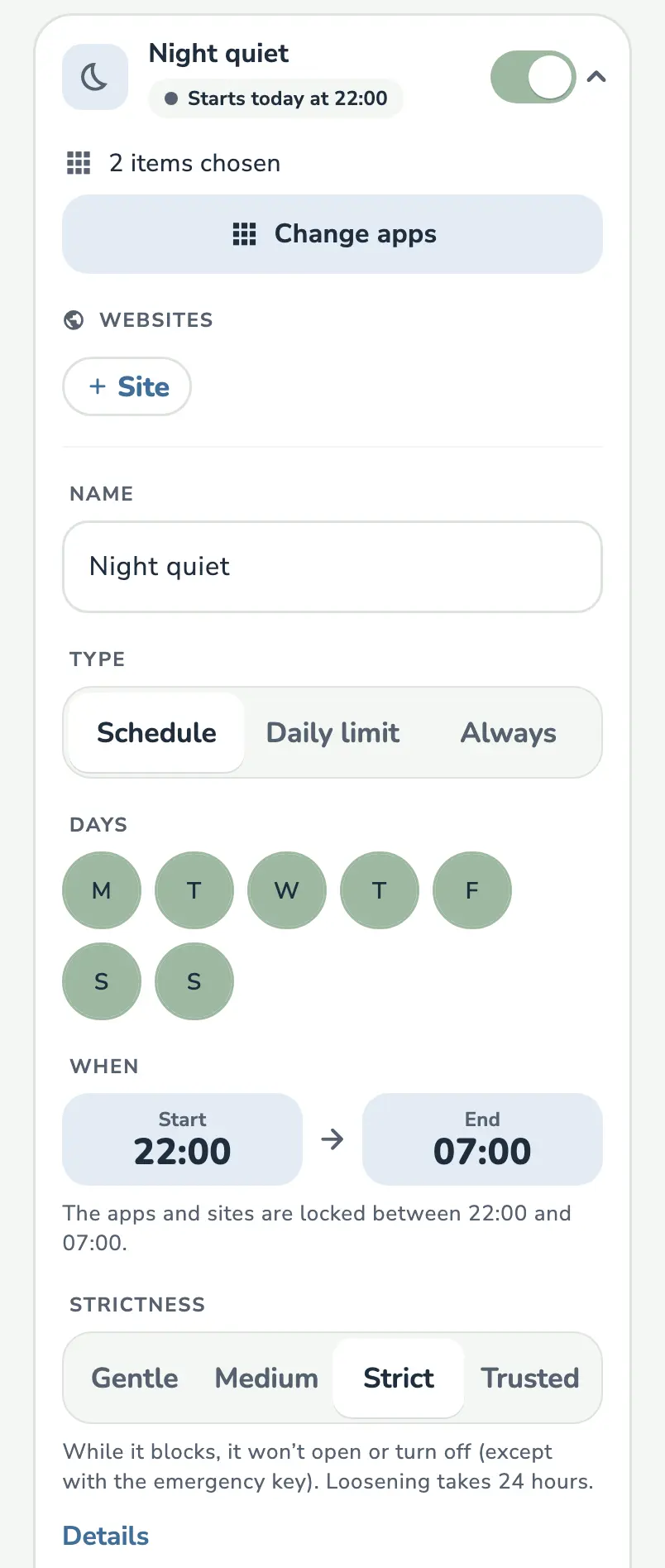
You choose which apps and websites it locks, when, and how firmly.
Read more

The strictness selector in the app: Gentle, Medium, Strict, Trusted.The strictness selector in the app: Gentle, Medium, Strict, Trusted.

Why open it?

Open a locked app and NewMoon first asks why.

Read more

Demo

Tap an app.

Why open Videos?

That is a win. You turned back.

Demo: a simplified preview, not the app itself.

One number: the days you’ve kept going

The Today screen opens on your day count, next to a moon that fills with the month’s clean days.

Example: Day 14

Read more

The app’s Today page: Day 14, 13/13 clean days in November, then today’s screen time, locks, focus, the top three locked apps and goals.The app’s Today page: Day 14, 13/13 clean days in November, then today’s screen time, locks, focus, the top three locked apps and goals.

A Help button for the hardest minutes of an urge

One tap, and it breathes with you while your own reasons stay on screen.

Read more

The Help screen: Breathe in, with the person’s own reason quoted below.
The app’s Today page: Day 14, 13/13 clean days in November, then today’s screen time, locks, focus, the top three locked apps and goals.The app’s Today page: Day 14, 13/13 clean days in November, then today’s screen time, locks, focus, the top three locked apps and goals.
Demo

Tap an app.

Why open Videos?

That is a win. You turned back.

The app’s Today page: Day 14, 13/13 clean days in November, then today’s screen time, locks, focus, the top three locked apps and goals.The app’s Today page: Day 14, 13/13 clean days in November, then today’s screen time, locks, focus, the top three locked apps and goals.
The Help screen: Breathe in, with the person’s own reason quoted below.

Demo: a simplified preview, not the app itself.

It knows nothing about you

  • No account. Open it and start. No name, no email address.
  • Your habits stay on the phone. Your log, relapses and reasons never go to a server.
  • Encrypted. Stored encrypted on your phone, and left out of cloud backups.

How it handles your data

It's late. The moon is asleep too.

One email, on the day you can download it

No newsletter, and your address goes to nobody else.

What we store